CVS<<17.99·USD>>PRINT·TRICK<<0.39·USD

CVS Passport Photo: Skip the $17.99 Counter, Print for $0.39

Same Kodak photo paper, same pharmacy, a fraction of the price — with the digital file included instead of $3.99 extra. Free same-day pickup at 7,500+ CVS locations.

Make my photo — $2.99 Free preview · print sheet included
Customer leaving a pharmacy with a 4×6 print sheet of passport photos, one-hour clock on the wall

What the CVS counter actually sells for $17.99

CVS runs its passport service on the Kodak Moments Passport & ID Photo System: an associate positions you in front of a Kodak backdrop, the software runs an automated compliance check, you approve the shot (retakes are allowed on the spot), and two 2×2″ prints come out in five to ten minutes. Credit where due — it's a competent walk-in service.

The problem is the receipt. Those two small prints cost $17.99, and the digital file — the thing you actually need for an online renewal or DS-160 upload — is a $3.99 add-on, offered only at select stores. Need both? You're at $21.98 for something a pharmacy printer produces for pennies.

The $3.99 digital fee is the tell

Think about what that add-on admits: the photo already exists as a file — CVS just charges extra to email it to you. Flip the workflow around and the economics collapse in your favor. Start with the file (ours costs $2.99, digital download included), and the only thing left to buy from CVS is an ordinary 4×6″ print at $0.32–$0.39.

What you needCVS counter routeFile-first route
Two printed 2×2″ photos$17.99$0.39 (a 4×6 sheet holds four)
Digital file for online forms+$3.99, select stores onlyIncluded with the $2.99 maker
Compliance checkKodak system, in storeAI-built to the official template, free preview
Total (prints + file)$21.98≈ $3.38 — 85% less
Photos for a family of four$71.96 (4 sessions)≈ $13.52 (4 makers + 4 sheets)

Three ways to feed your sheet into CVS's printers
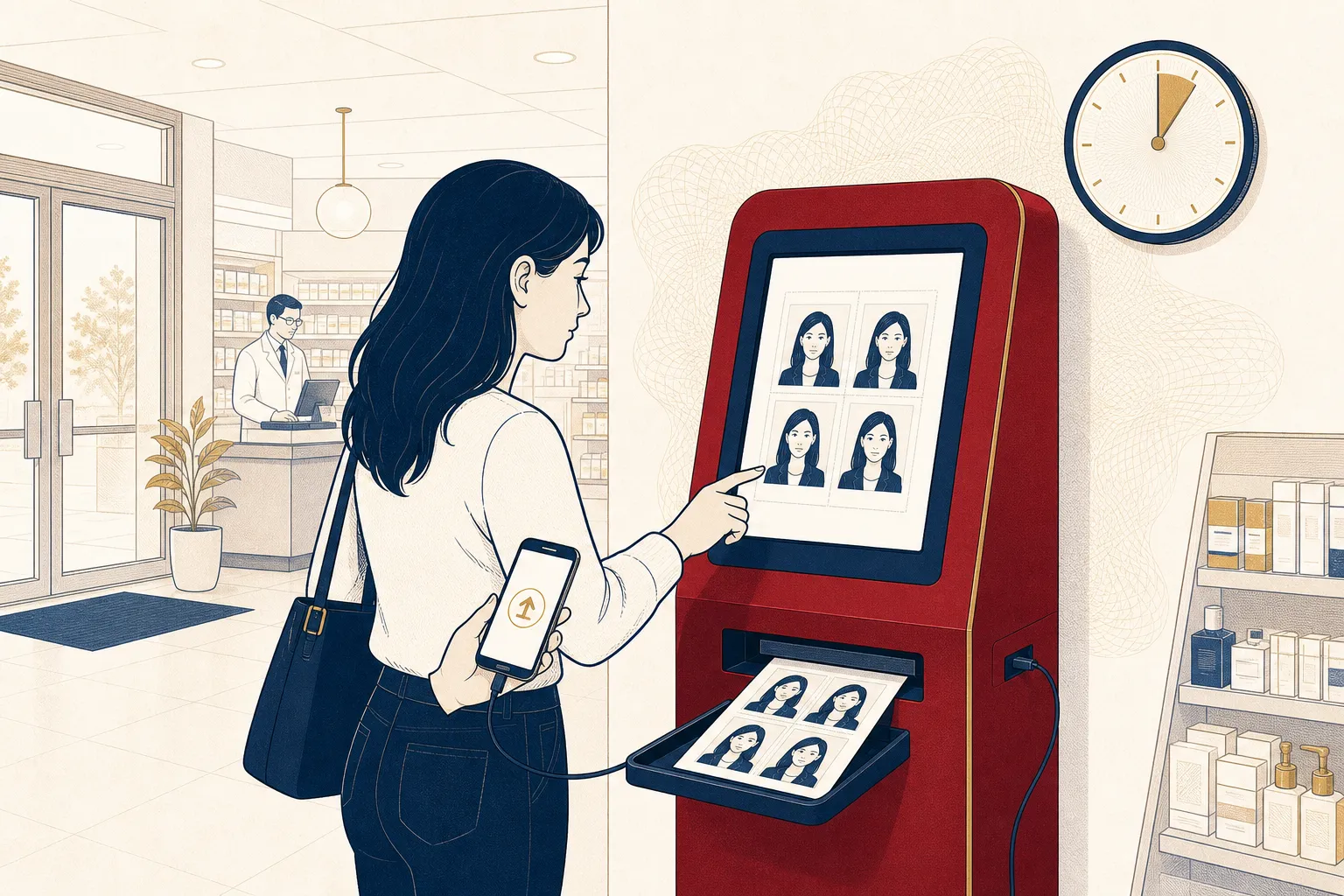
Customer at a CVS self-serve photo kiosk printing a 4×6 sheet of ID photos from their phone in about ten minutes
The self-serve kiosk route: transfer the sheet from your phone, order a 4×6 print, collect it minutes later — no counter appointment involved.
  • cvs.com/photo or the CVS app: upload the 4×6 sheet from your order page, pick a store, choose free same-day pickup. Ready in about an hour at most locations.
  • Google Photos: CVS prints directly from a Google Photos album — save your sheet there and order without creating another account.
  • The in-store Kodak kiosk: the same self-serve machines by the photo counter accept phone transfers. Tap 4×6, print, done — often the fastest route of all.

One setting matters everywhere: if the kiosk or site offers scaling options, choose "actual size" — never "fit" or "fill" — so the 300 dpi geometry stays exact.

Finding the photo counter (and when to call ahead)

CVS puts the photo department near the front of the store, beside the Kodak self-serve kiosks. Two caveats worth knowing: not every one of CVS's 7,500+ pharmacies has a staffed photo counter (the taken-for-you service is "select locations"), and counter staffing follows photo-department hours rather than the 24-hour storefront. The self-serve print route sidesteps both issues — kiosks and online pickup work wherever prints are sold.

When paying $17.99 makes sense anyway

If you can't take a photo of yourself, want a human to handle the whole thing, and the digital file doesn't matter to you, the Kodak counter delivers a fine product. For everyone else — especially anyone filing online, or shooting for a China visa's 33×48 mm format or an India e-Visa square that the U.S.-format counter isn't built for — the file-first route wins on price, speed and flexibility.

Comparing pharmacies? Walgreens' counter runs $16.99 with the digital copy included — see the Walgreens guide. Watching every dollar? The Walmart guide covers the cheapest prints in U.S. retail. And if Target was your plan, read what happened to Target's photo service first.

Ready to save on your CVS photos?

Upload a selfie, preview your compliant photo free, and download the HD file plus the print-ready sheet for $2.99.

Make my photo now — $2.99

How it works

  1. Step 1

    Create the compliant file

    Our AI turns your selfie into a government-spec photo with a white background, then packages it on a 4×6″ sheet built for CVS's print machines. Preview costs nothing.

  2. Step 2

    Send it to cvs.com/photo

    Order your sheet as an ordinary 4×6″ print — through the CVS website, the app, or even straight from Google Photos. Skip the passport-photo product entirely.

  3. Step 3

    Collect it free, same day

    CVS waives the pickup fee on prints at 7,500+ pharmacies. Grab scissors, cut on the guide lines, and you're holding compliant photos for about forty cents.

Make your photo first

Every maker below produces a government-compliant digital photo plus a print-ready sheet sized for standard CVS photo prints.

Frequently asked questions

What does CVS charge for passport photos in 2026?

The counter service runs $17.99 for a pair of 2×2 inch prints, taken by an associate on the Kodak Moments system. Want the digital file emailed too? That's a separate $3.99 add-on — and only select stores offer it — bringing the real total to $21.98 if you need both prints and a file.

How does the Kodak Moments passport system at CVS work?

An associate stands you against a Kodak backdrop, takes the shot, and the system runs an automated compliance check before printing. You can review the image and ask for a retake during the same visit, and prints are typically ready in five to ten minutes. It's a decent service — you're just paying $17.99 for what a $0.39 print can deliver.

Where is the photo counter inside a CVS?

Usually near the front of the store in the photo department, beside the self-serve Kodak kiosks. Not every CVS location has a staffed photo center, so call ahead if you're planning on the counter service — the self-serve print route works at far more stores.

Can I print a photo I made myself at CVS?

Absolutely — that's the whole trick. CVS Photo prints any JPEG as a standard print, whether uploaded on cvs.com, in the app, at the in-store Kodak kiosk, or pulled directly from Google Photos. Our download is already laid out on a 4×6 sheet at exact 300 dpi, so what comes off the printer is regulation size.

Is CVS same-day photo pickup really free?

Yes — standard prints carry no pickup fee at 7,500+ CVS locations, and most orders are ready within hours (often faster). You pay only the print price itself, from $0.32–$0.39 for a 4×6.

Does the trick work for visa photos at CVS, not just passports?

It works even better. The Kodak counter system is tuned for U.S. 2×2 formats, but a China visa needs a 33×48 mm portrait and India requires an exact square. Our China and India visa presets generate those formats precisely and tile them on the same printable sheet.

What if my CVS-printed photo gets rejected?

The paper isn't what gets photos rejected — composition is. Our AI builds the file to the official template (head size, eye line, background shade) and shows you a free preview first. If an application system still balks, email us the rejection reason and we'll regenerate a corrected version.